




Understanding of UI
Learn all the basic essentials of the world of UI design.
Starts from 8th August 2020
- Session By Industry Experts
- Minimum Jargons, Maximum Understanding
- Hands-on, Interactive Approach
Course In Numbers
-
Total number of sessions
10 -
Duration per session
1-2 hrs -
Sessions conducted on
Sat-Sun 4pm to 6pm -
Registration fees*
₹4999
Why Do You Need It?
Hello there! Have you just started exploring the world of UI? Does it seem unclear and even gibberish sometimes? Then you’ve come to the right place - LY Eminent!
What is LY Eminent? A community platform for knowledge sharing, creative collaborations and design thinking. We believe that design is everywhere and we feel it’s time to give back to the design community!
This is why LY Eminent has curated some beautiful, simple and interactive UI Design courses for design students, graphic designers, and complete novice professionals. We are firm believers of the saying, “Knowledge expands with sharing.” So all that we have learnt and know about the world of UI will be open to you through this course. It is designed to answer all your questions on the whats and hows of UI, through a step by step process, to get you closer to making a good as well as effective UI design. UI design seems alluring and easy, but if you don’t get your basics cleared, you are in for a mishap.
What are you waiting for then?
Sessions In Details
Understanding Of UI will be divided into 10 sessions, mapping out the journey through a blend of theory and practice.
-
Session 1: Introduction to UI Design
-
Day 1:
- What does UI stand for?
- How did it all begin?
- The remarkable milestones
- Role of a UI designer
- The difference between UI & UX
- Platforms for UI
-
Day 2:
- Tests and doubt solving
-
-
Session 2: Principles of UI
-
Day 1:
- 7 principles for an aesthetic and effective UI design
-
Day 2:
- Tests and doubt solving
-
-
Session 3: UI Elements
-
Day 1:
- 11 important elements of UI
-
Day 2:
- Tests and doubt solving
-
-
Session 4: UI Design Process
-
Day 1:
- What does UI stand for?
- Analysis
- Design
- Development
-
Day 2:
- Tests and doubt solving
-
-
Session 5: Practicals & Doubts
-
Day 1 & 2:
- Designing a UI and solving its challenges
-
It Comes With Perks!
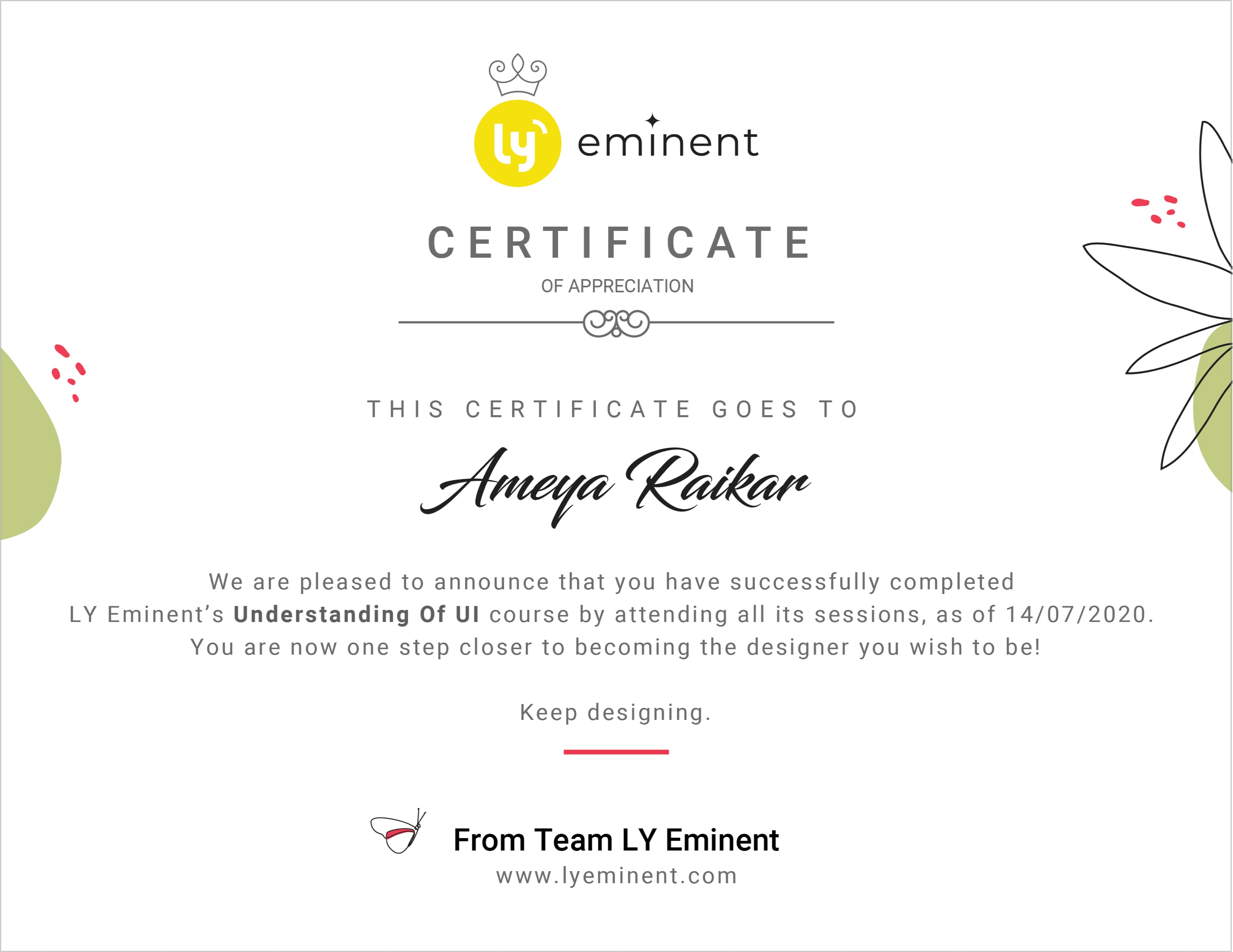
After the completion of course, you’ll not only leave with a clear mind about UI, but also get an industry-recognised certificate that can help you open doors to exciting opportunities and possibilities.
Interested candidates may also get a chance to intern as a designer at Lemon Yellow!
Know Your Coach
/group-5-copy@3x.jpg)
Amit Bhambere

He has an insightful experience of over 19 years in the field of design. A University topper from
Sir JJ School of Applied Arts, he has been instrumental in the journeys of products like Hotstar,
HDFC Banking Apps, ICICI imobile App and Deutsche Bank. His futuristic vision of design led
him into the world of UI/UX and the foundation Lemon Yellow LLP. He considers himself a
life-long designer, which is why he also heads the design team at LY with utmost passion.
View LinkedIn Profile

Terms and Conditions:
Attention please!
We know designers can have a love-hate relationship with rules and regulations, more than others. But to ensure that you have seamless and effective sessions with us without any difficulties, you need to follow a set of guidelines, as mentioned below.
- The participant is not allowed to record any session of the webinar on any electronic device. Documentation of the session is allowed for the participant’s exclusive use only.
- The content of each session of the Course is an intellectual property of LY Eminent/ the respective speaker and are protected by copyright.
- No refund will be given on the cancellation of the course registration, for whatsoever reason.
- 18% GST applies on the registration fee.
DOs & DON'Ts:
- First and foremost, ensure a fast, reliable, and uninterrupted internet connection.
- Test your computer device’s camera and speaker/microphone before joining each session for better engagement.
- The participant should be on Mute always unless the host requests an interaction.
- Each participant must keep the camera on at all times, as all the sessions in the course are designed to engage the participant for better learning.
- Choose a setting where no noise or movement interrupts your/ other participants/ instructor’s flow of the session.
-
For practical purposes of the session, the participant must have a design software (Figma/ Adobe Illustrator/ Sketch/ Adobe Photoshop etc.) installed on his/her system.
P.S.: And because it will never go out of style, sit with a notebook and pen/pencil.